
Most outbound advice is about getting more replies. This is the opposite. It is about the emails you must never send, and the system that stops them from going out.
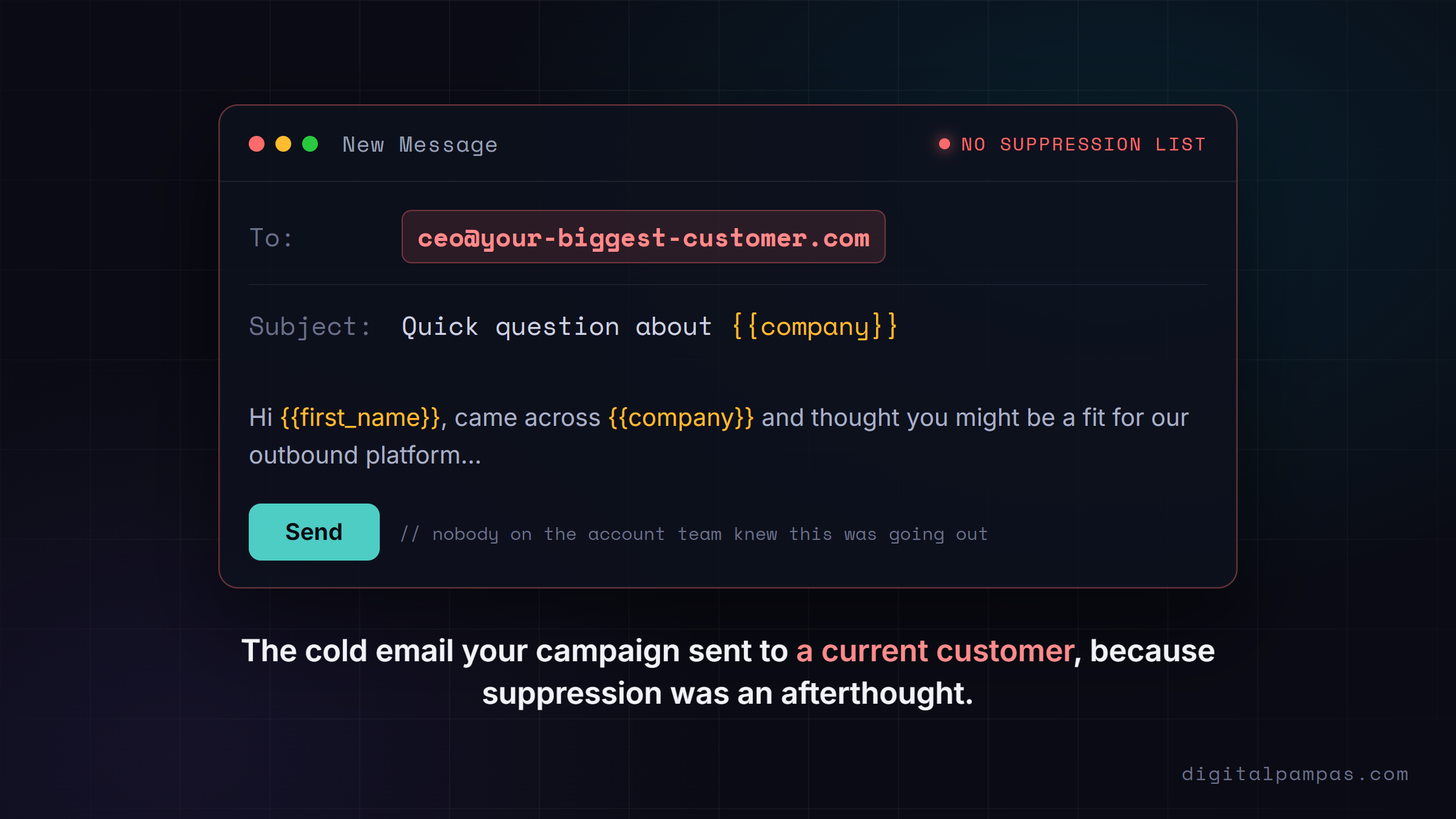
A "do not contact" list, often called a suppression list, is the file of people and companies your outbound is forbidden to touch. Get it right and nobody notices. Get it wrong and you cold-pitch a current customer, double-email a prospect your salesperson is already closing, or hit a competitor who reports you for spam. In a small or regulated market, one of those sends can cost you the account, or the domain.
Here is what belongs on that list, why company-level suppression matters more than founders expect, and how to wire it so the bad send is blocked before it ever leaves the building.
First, two different things called "DNC"
People conflate two unrelated mechanisms, so let me separate them.
There is the legal registry. In the US, the National Do Not Call Registry governs telemarketing calls, and most business-to-business calling is actually exempt from it. Autodialed or prerecorded calls to mobile phones are a different story and still need consent, but for cold email the registry is mostly a red herring.
Then there is your suppression list. This is the one that matters day to day. It is your own internal file of addresses and domains that must be excluded from every send. No government maintains it. You do. And in email, the US law that does apply, CAN-SPAM, is opt-out, not opt-in: you can send a first cold email without prior consent, but the moment someone asks to stop, you must honor it, keep a working unsubscribe, and use a real physical address. The EU is stricter and varies country by country, so if you sell into Germany or Spain, get local advice rather than copying a US playbook.
When a founder says "make sure we don't email people we shouldn't," they almost always mean the suppression list, not the registry. So that is what we build.
What actually belongs on the list
A good suppression list is not just unsubscribes. It is everyone a send could embarrass you in front of. Some entries the system adds automatically. Others are your judgment calls.
The automatic ones:
- Anyone who unsubscribed, replied "stop," or said "not interested." This is a legal must, not a courtesy.
- Hard bounces and invalid addresses. Re-sending to them quietly wrecks your sender reputation.
- Spam complaints. Suppress immediately and permanently.
The judgment calls, the ones founders forget:
- Existing customers. A cold "let me introduce our product" to someone already paying you says you do not know who you serve. It erodes trust and can sour a renewal.
- Open opportunities. Nothing torpedoes a deal like a generic cold email landing while your salesperson is mid-negotiation with that same person.
- Anyone another rep is already working. Two people from your company emailing one prospect looks disorganized and burns goodwill.
- Competitors, as whole domains. They will never buy, they will read your messaging, and their inboxes are quick to hit the spam button.
- Vendors, partners, and investors. A cold blast to your own investor is an avoidable own-goal.
- Generic role inboxes like info@ and support@. Low reply rates, high complaint and spam-trap risk.
The through-line: a suppression list protects relationships and reputation, not just legal compliance.
Why it has to work at the company level, not just the person
This is the part most setups get wrong, and the part I learned the hard way.
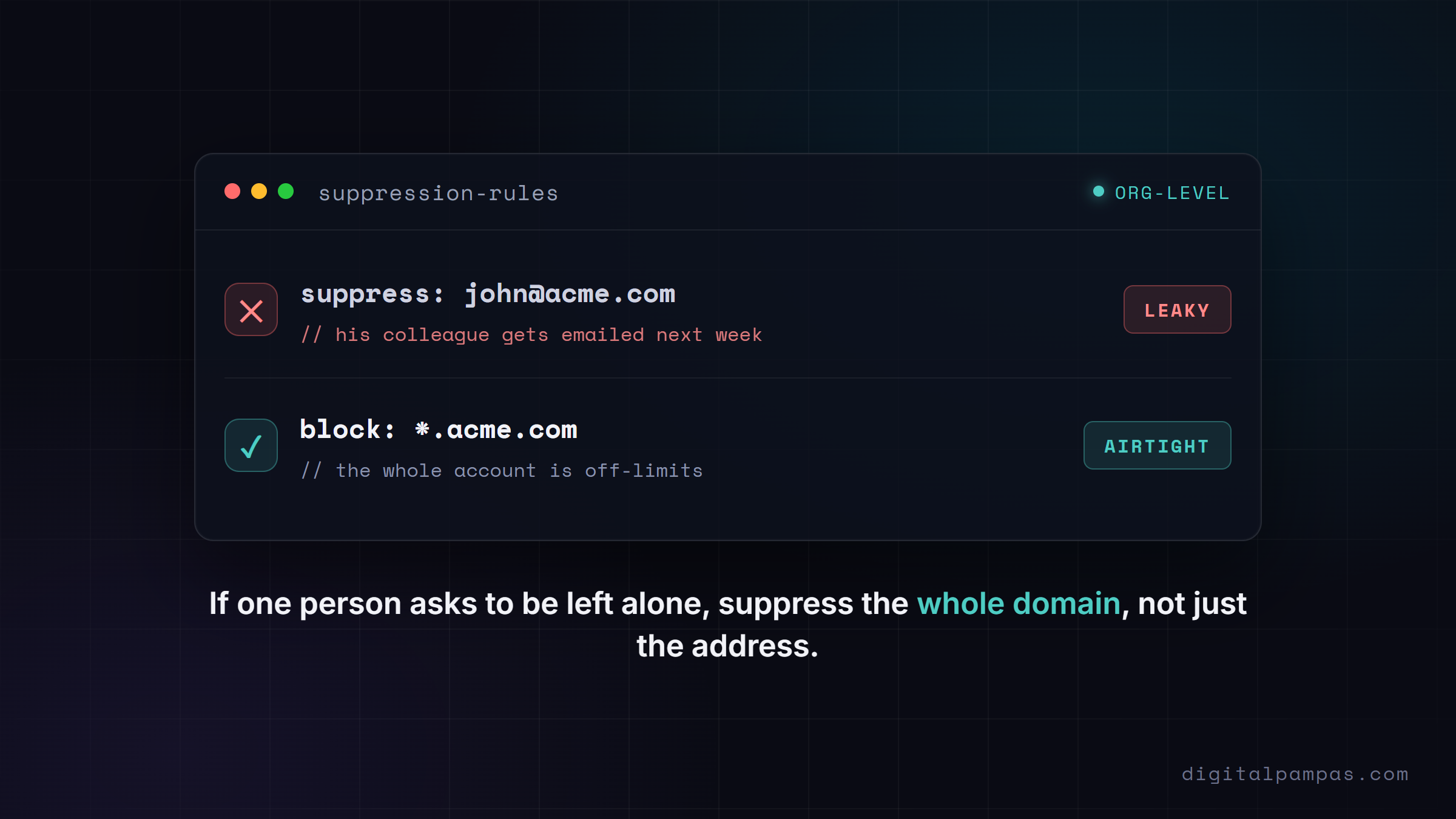
Suppressing one email address is not enough. People change addresses. More importantly, in account-based outbound the company is the relationship, not the individual. If one person at a target account asks to be removed and you email their colleague next week, you have ignored the request as far as that company is concerned. In a sensitive market, that is the send that ends the engagement.
I ran a healthcare program where exactly this nearly happened. Our suppression was per-contact, and a colleague at an institution that had asked to be left alone got an email. In a market of barely 200 companies where everyone knows everyone, it almost got the whole project cancelled. The fix was to suppress at the organization level: if anyone at a company is off-limits, the entire domain is off-limits. After that went in, we ran two more campaigns across 219 companies and 1,462 contacts with zero leaks, and the program finished at an 8.95% reply rate, about three times the global benchmark. The guardrail did not slow it down. It made the aggressive version safe to run.
So the rule is simple: suppress by domain as well as by email. Block acme.com, not just john@acme.com, for any customer, competitor, or company that asked to be left alone.
How to wire it so the bad send is impossible
Relying on people being careful does not scale. It works while you personally know every name on the list. Then the volume grows, a new SDR or a VA imports two thousand fresh leads the night before a launch, nobody cross-checks them against your customer list, and the wrong send goes out. The goal is a system where a suppressed contact structurally cannot be emailed. The clean pattern has four layers, with the CRM as the source of truth and Clay as the filter.
flowchart TB
    SRC["Source data: scrapes, lists, Clay Find People"]
    CRM["CRM source of truth: customers, open deals, opted-out, do-not-contact"]
    CLAY["Clay filter: normalize, dedupe, lookup vs suppression table, Do-Not-Contact gate"]
    SEND["Sending tool: global block list as last net, one-click unsubscribe, auto-pause on reply"]
    LOOP["Replies and unsubscribes sync back to the CRM list"]
    SRC --> CLAY
    CRM --> CLAY
    CLAY --> SEND
    SEND --> LOOP
    LOOP --> CRM
Layer one, the CRM is the truth. Your HubSpot, Salesforce, or Pipedrive already knows who is a customer, who is in an open deal, and who opted out. Build one dynamic list there, customers plus open deals plus opted-out, so it stays current on its own instead of rotting like a one-time export.
Layer two, Clay does the filtering. Pull that CRM list into a Clay table as your live suppression source. Then, on every new lead, do three things. Normalize the email and domain, lowercase and trim, because Clay's matching is case and whitespace sensitive and "John@Acme.com" will not match "john@acme.com." Dedupe the table so you are not contacting the same person twice. And use Clay's Lookup Rows to check each lead against the suppression table, matching on domain as well as email. Roll the results into a single "Do Not Contact" boolean column: true if the lookup hits, if they opted out, if they are a customer, or if the domain is bad. Finally, gate everything with a conditional run so enrichment and the push to your sender only fire when Do Not Contact is false. Suppressed rows never get enriched, which also saves credits, and never get exported.
Layer three, the sending tool is the last net. Smartlead and Instantly both have an account-wide global block list that blocks by email and by whole domain. Upload your customer and competitor domains there too. It is belt and suspenders: if a bad row ever slips past Clay, the sender refuses it. Turn on one-click unsubscribe and auto-pause-on-reply while you are in there.
Layer four, close the loop. When someone unsubscribes in the sender, that has to flow back. There is no native sync between most senders and CRMs, so a small webhook into n8n, Make, or a custom function catches the unsubscribe event and writes it to the CRM's opted-out list. Because the CRM list is what Clay imports, the opt-out now propagates everywhere: CRM, Clay, and the sender. That is what makes suppression permanent instead of something that leaks back in on the next list build.
The mistakes that quietly cost you
Even teams that build this get bitten by a few recurring ones:
- Suppressing by exact email only, so the domain-level customer or competitor still gets hit.
- A one-time CSV of "customers" that goes stale the day after you export it. Use a dynamic CRM list instead.
- Forgetting the unsubscribe writeback, so the person who opted out gets re-imported next month.
- Trusting the sender's block list as the first line of defense instead of the last. Filter in Clay first; the block list only catches what is already on its way in.
- Confusing pause with unsubscribe. Pausing is campaign-specific. It does not make someone globally off-limits.
Why founders should care about the boring layer
The reason to take this seriously is not the fine, though those exist. It is that email reputation is now ruthless. Google and Yahoo's sender rules want your spam-complaint rate under 0.1%, which is one complaint per thousand emails, and deliverability drops noticeably as you approach 0.3%. A handful of annoyed customers or competitors marking you as spam can drag down deliverability for your whole company, because a blacklisted primary domain stops your internal email too, not just your campaigns. Recovery takes weeks, sometimes a fresh domain.
The flashy part of outbound is the copy and the reply rate. The part that protects the business is the unglamorous suppression layer underneath it. It is cheap to build before you scale and expensive to retrofit after a bad send. If you are running or buying outbound and nobody can tell you, in one sentence, how a do-not-contact request stops every future send across every tool, that is the place to start.
I wrote up how I diagnose the rest of the outbound stack, layer by layer, here: the one-week audit before you build outbound.